Thoughts
ds-specs: a Claude Skill for LLM-first design systems, with two-way Figma sync
Claude Opus 5 helped me build this and write this up.
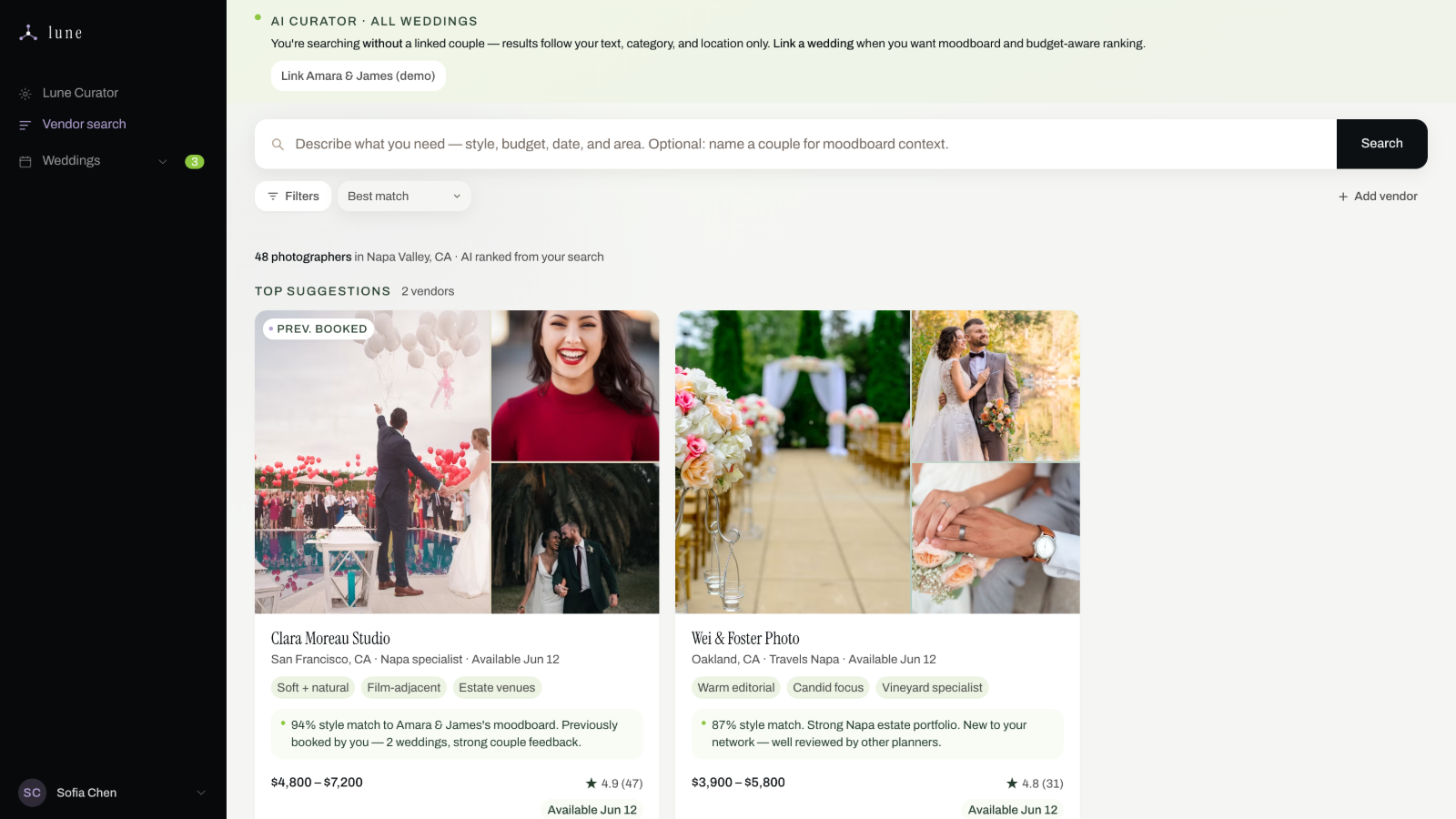
Some time ago I wrote about fixing a design system so Claude could actually follow it. That fix lived inside one project, a /DSYS folder in Lune's repo, built by hand for that codebase's stack and that codebase's tokens. It worked there. It also meant that the next time I wanted the same fix on a different project, I'd be rebuilding it from scratch.
So I rebuilt it once more, on purpose this time, as something reusable: a Claude Skill called ds-specs. It's on GitHub now, free to install, for any designer or team running into the same drift problem.
What a skill gets you that a folder doesn't
The Lune version was specific to one project's conventions. Turning it into a skill meant it had to work on a codebase it had never seen: detect whether the project uses Tailwind or plain CSS, scale the spec tree to how big the project actually is, and refuse to invent specs for components that don't exist yet. A small accurate spec beats a comprehensive stale one.
It also meant going further than the original fix did. Three things ds-specs adds on top of what I described last time:
Three tiers, three layers of indirection
Every spec references only the tier above it, so a component spec can never point straight at a raw hex value:
specs/
├── foundations/   color, typography, spacing, radius, elevation, motion…
├── tokens/        the master variable map
├── atoms/         ─┐
├── molecules/      ├─ components, 8-section template each
├── organisms/     ─┘
└── patterns/      layout and composition rules
And every token itself passes through three layers before it reaches a component, so nothing in the UI touches the upstream library directly:
--ds-text: #292A2E;                        /* upstream library */
--color-text: var(--ds-text, #292A2E);     /* your alias */
color: var(--color-text);                  /* components — alias only */
Five gates instead of one
The Lune pre-commit hook was a single checkpoint. ds-specs runs the same idea at five points, from session start through deploy, and draws a hard line on what's allowed to self-heal. Local autofix can rewrite an exact hex match with a human reading the diff. CI and deploy only block, they never rewrite. A near miss like #1868DA against a #1868DB token is either a typo or a deliberate one-off, and no script can tell which, so it gets flagged at higher severity and left for a person to decide.
On an existing codebase with hundreds of pre-existing violations, the gates start from a recorded baseline and only fail when the count goes up. Hard-failing against 400 existing violations just gets the gate deleted by Thursday.
A two-way bridge to Figma
The part I was most unsure I could get right. Figma variables carry a codeSyntax field. Set it to the matching CSS custom property and the Figma variable and the code token become one record seen from two sides, so syncing is exact instead of fuzzy name matching between "Text/Primary" and --color-text.
Neither side is treated as canonical. When you ask it to reconcile, it produces a six-category diff and stops. A mismatch is ambiguous. Only a person knows whether the designer moved the value or the developer did.
Try it
It installs two ways. On claude.ai, download the .skill file from the latest release and upload it under Settings → Capabilities → Skills. In Claude Code or Cowork, clone the repo and copy the skill folder into ~/.claude/skills/. Full steps, including how to verify it installed correctly, are in the repo README.
Once it's in, you don't need to invoke it by name every time. Say "tokenize this" or "my prototype is drifting" and it builds the spec tree. Say "push my specs to Figma" and it hands off to Figma's own library-generation skill. Say "does Figma match my code" and it reconciles without changing anything.
Resources
github.com/ejun-9/ds-specs — the skill, install instructions, and the packaged .skill file for claude.ai.
Expose your design system to LLMs by Hardik Pandya. The article the whole approach is built on.
Keep reading